one shell for the agent-heavy day
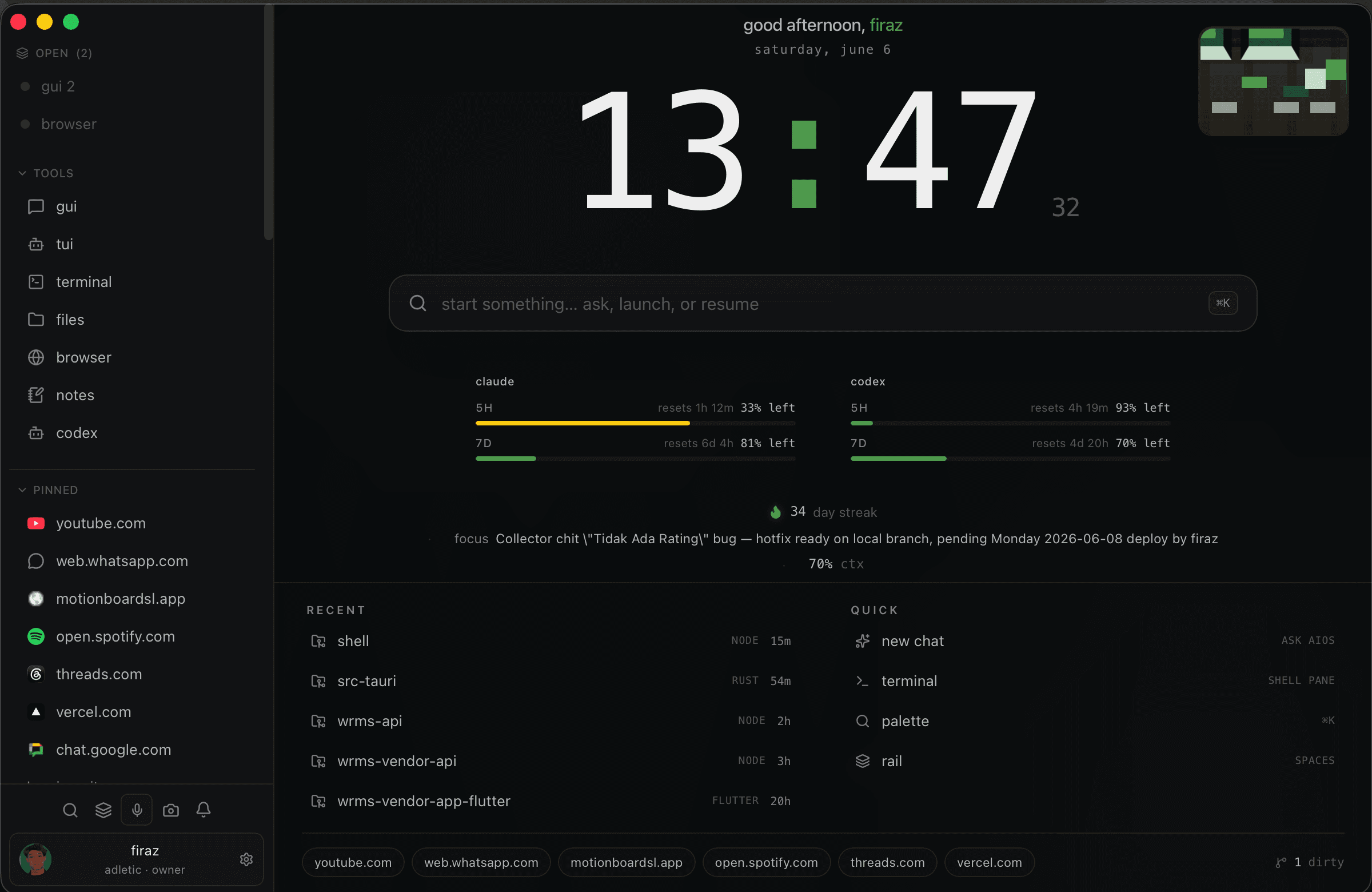
most ai coding tools are strong in one lane. aios is the surrounding layer: agent panes, terminal panes, browser panes, notes, files, and shortcuts in one native window.
ai coding agent workspace
aios is built for the moment your ai coding workflow stops fitting inside one chat box.
claude, codex, terminals, browser tabs, notes, and repo context all work. the problem is the room around them. aios gives that work a native shell instead of another scattered stack of windows.
who it is for
keep ai agents and terminals visible together.
open browser docs and previews beside the work.
pin project context so every session starts faster.
move between coding, debugging, notes, and review without rebuilding the workspace.
most ai coding tools are strong in one lane. aios is the surrounding layer: agent panes, terminal panes, browser panes, notes, files, and shortcuts in one native window.
the shell is designed around your machine and your project folders. that makes it useful for real coding work where terminals, files, previews, and docs need to sit close together.
early access runs through the private discord build room. approved members get onboarding, release notes, and a path into paid setup when there is real fit.
related pages
claude code workspace
a native workspace for people who run claude code alongside terminals, browser panes, files, notes, and project context.
codex workspace
a native codex workspace for running coding agents with terminals, files, browser previews, notes, and project context.
ai agent command center
an ai agent command center for builders who coordinate agents, terminals, browser panes, notes, files, and project context from one shell.